Logitech G102 Lightsync Review: Entry-Level FPS Performance on a Budget
The Logitech G102 is a budget wired gaming mouse that delivers reliable sensor performance and classic ergonomics for FPS beginners and casual PC gamers.
1/18/20263 min read
Quick Verdict
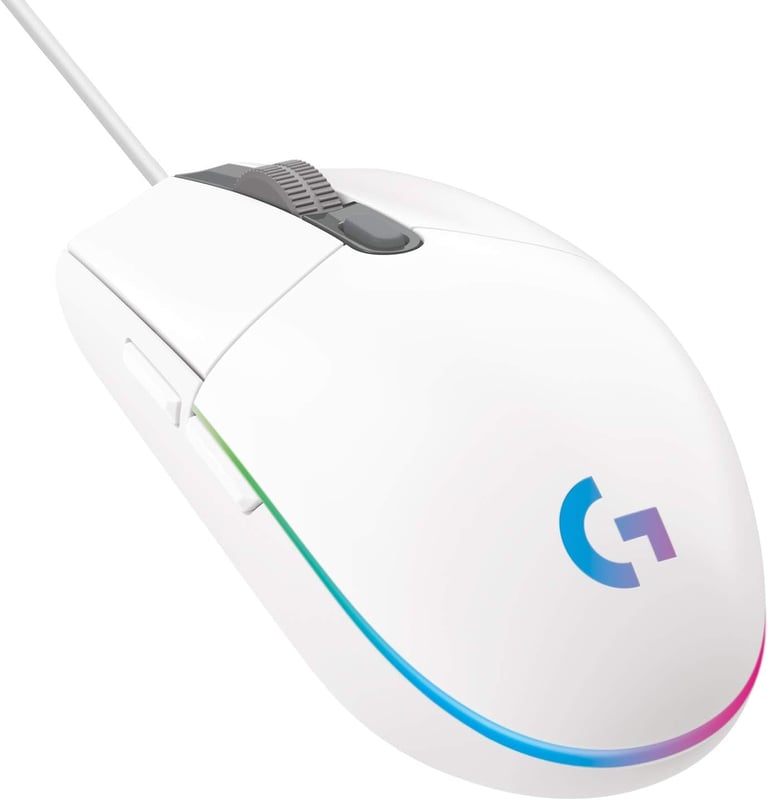
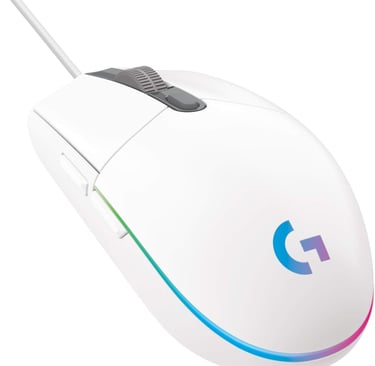
The Logitech G102 stands out as an affordable, no-nonsense wired gaming mouse that prioritizes consistent tracking and familiar ergonomics, but it lacks premium features and wireless flexibility.
Pros & Cons
✅ Pro: Consistent entry-level sensor performance
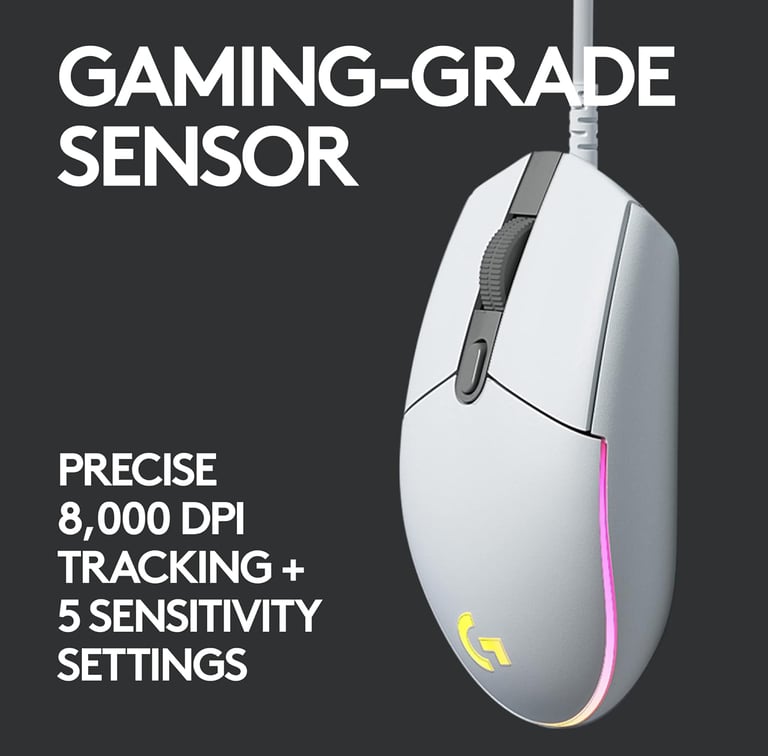
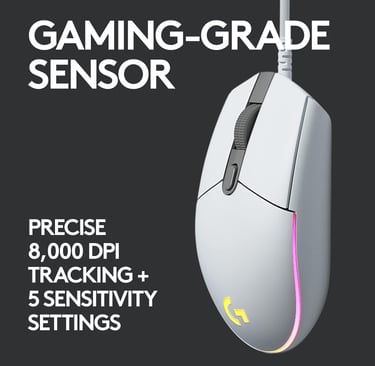
The 8,000 DPI gaming-grade sensor offers reliable tracking for everyday FPS play and general gaming without obvious acceleration issues at typical sensitivity levels.
✅ Pro: Comfortable, proven shape
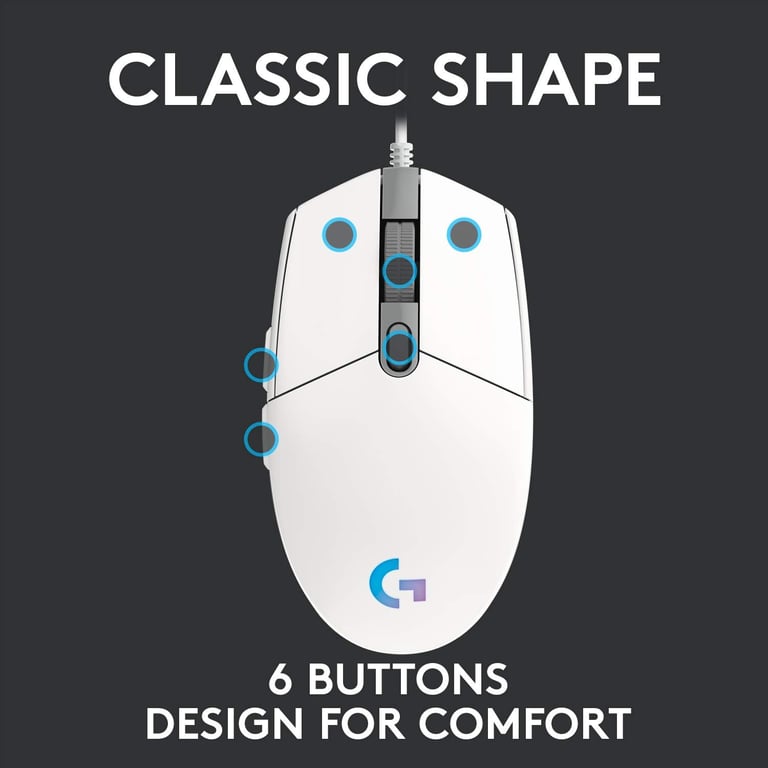
Its classic six-button layout and symmetrical design have been widely adopted over the years, making it easy to adapt for most grip styles, especially claw and fingertip.
❌ Con: Wired-only design limits flexibility
Compared to wireless alternatives in the broader Logitech lineup, the fixed cable reduces portability and desk freedom.
❌ Con: Basic feature set for the price ceiling
At around $30, competing models may offer higher DPI ceilings, lighter shells, or wireless options, depending on promotions.
Shape & Physical Experience
The G102 uses a compact, symmetrical shell that feels immediately familiar to anyone who has used entry-level gaming mice before. Its size works best for small to medium hands, particularly with claw or fingertip grips. Palm grip users with larger hands may find it slightly short in length.
The matte plastic finish provides adequate grip without feeling sticky, and the overall build feels solid for its category. Button placement is straightforward, with two side buttons positioned for easy thumb access without accidental presses. The mouse’s weight distribution feels balanced, which helps maintain control during quick flicks or extended sessions.

Performance & Hardware
At the core of the G102 is an 8,000 DPI optical sensor designed for entry-level competitive play. In real-world use, it delivers stable tracking across common mouse pads and desk surfaces, particularly at moderate DPI settings favored by FPS beginners. While it doesn’t compete with modern high-end sensors in terms of raw specifications, it performs consistently within its intended range.
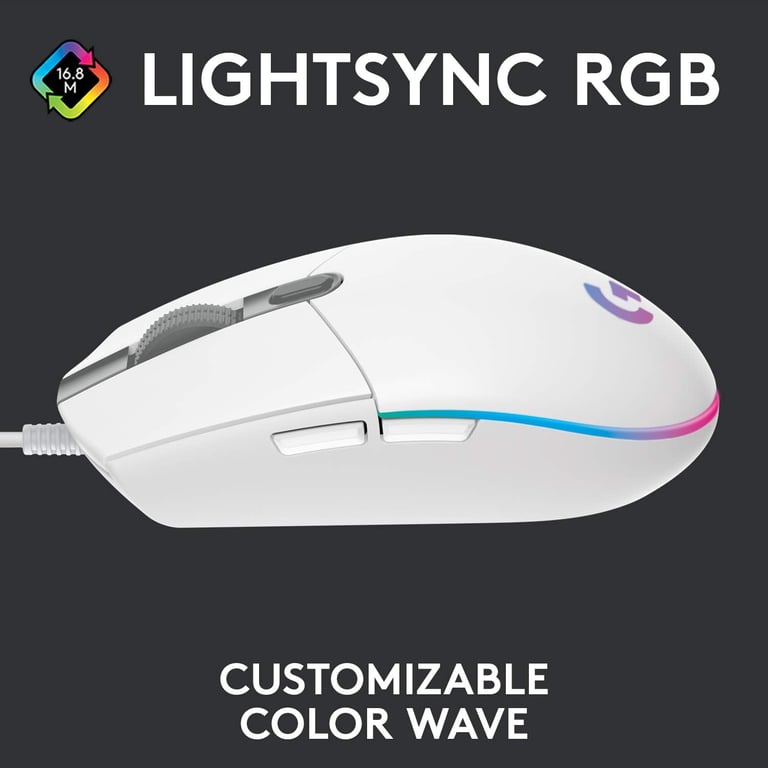
Primary clicks benefit from Logitech’s mechanical spring button tensioning, resulting in a crisp, responsive feel that many users appreciate for shooters. The scroll wheel is functional and tactile, though not especially refined. LIGHTSYNC RGB adds customization, controlled through Logitech G HUB, which also allows users to cycle visual through up to five DPI presets.
Some users report that the cable, while durable, can introduce minor drag compared to paracord-style alternatives. Others mention that G HUB is functional but occasionally unintuitive for first-time users.


Competitive Context
In the budget wired segment, the G102 is commonly compared to models like the Razer DeathAdder Essential and SteelSeries Rival entry-level options. Compared to the DeathAdder Essential, the G102 offers a smaller, symmetrical shape rather than a large ergonomic shell. Against SteelSeries Rival models, it trades a more minimalist design for RGB lighting and software-driven customization.
Within Logitech’s own lineup, the G102 sits below the wireless G305, which offers more flexibility at a higher price point. For buyers prioritizing simplicity and reliability over advanced features, the G102 remains competitively positioned at around $30.
Who Is This For?
Ideal user
FPS beginners, casual gamers, students, or PC users looking for a reliable wired gaming mouse with predictable performance and a familiar shape.
Who should avoid it
Users with large hands, those who prefer palm grip exclusively, or gamers seeking wireless freedom and premium sensor technology.
Final Verdict
The Logitech G102 is best viewed as an entry-level FPS mouse that focuses on consistency rather than innovation. It doesn’t try to redefine the category, but it delivers dependable performance, comfortable ergonomics, and solid build quality at an accessible price. For gamers starting out or upgrading from a basic office mouse, it remains a sensible value-for-money option in the wired budget segment.