Your Wrist Is Tired ? Why the Logitech MX Master 3S Is (and Isn’t) the Right Fix
Logitech MX Master 3S review for productivity users who want all-day comfort, silent clicks, and multi-device control—not a lightweight gaming mouse. .
1/22/20263 min read
Quick Verdict
The Logitech MX Master 3S is a productivity-first wireless mouse built to reduce fatigue, noise, and workflow friction during long work sessions. It clearly outperforms gaming-focused alternatives in comfort and multi-device usability, but it underdelivers for users who prioritize speed, low weight, or competitive gaming responsiveness.
Pros & Cons
✅ Pro: Exceptional comfort for extended work
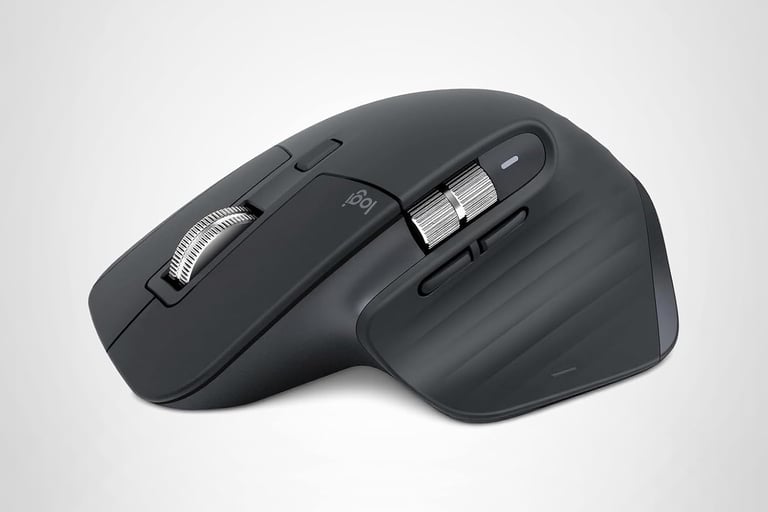
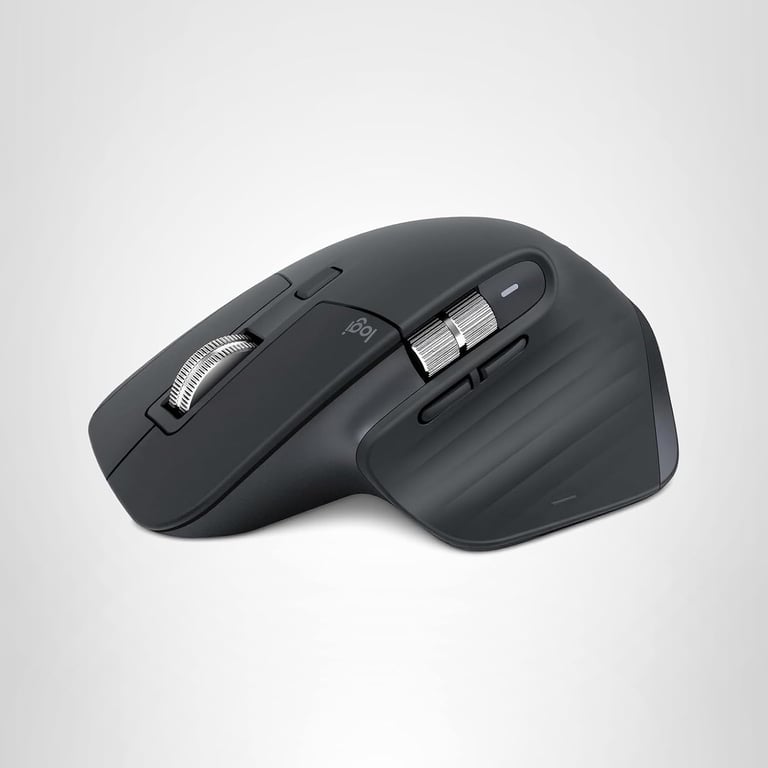
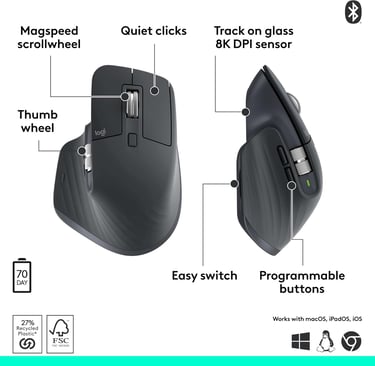
The ergonomic, right-handed shape with a pronounced thumb rest and angled profile supports a more natural wrist posture, making it easier to work for hours without strain compared to flatter or ambidextrous mice.
✅ Pro: Quiet, refined interaction and premium scrolling
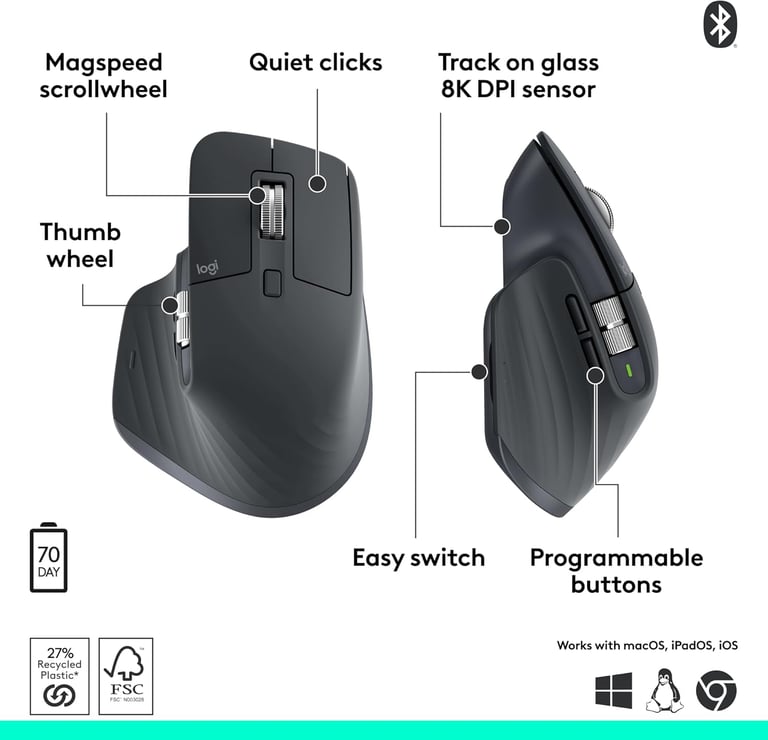
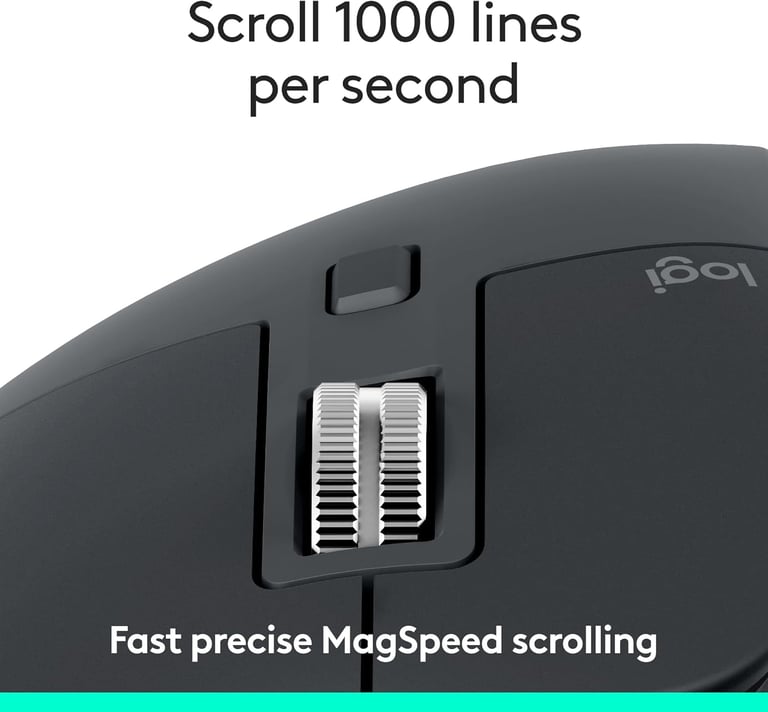
Quiet Clicks noticeably reduce noise without eliminating tactile feedback, and MagSpeed scrolling offers fast, precise, near-silent control that is especially useful for large documents, timelines, and spreadsheets.
❌ Con: Heavy and slow for gaming standards
At roughly 140 g, the MX Master 3S is significantly heavier than most wireless gaming mice, which makes quick flicks and repeated repositioning feel sluggish in FPS or fast-paced titles.
❌ Con: Wireless prioritizes stability, not gaming latency
Bluetooth and Logi Bolt connections favor reliability and compatibility across devices, but they are not designed to compete with gaming-focused wireless systems in responsiveness.
Shape & Physical Experience
The MX Master 3S is clearly designed around a palm grip and works best for medium to large hands. The sculpted shell fills the hand, encouraging relaxed movement rather than fingertip precision. Smaller hands may find the forward thumb button and side scroll wheel harder to reach comfortably. The matte coating provides good grip without feeling sticky, and overall build quality feels dense and premium. That density, however, contributes to the mouse’s weight, which reinforces its desk-bound, productivity-focused nature rather than portability.


Performance & Hardware
The upgraded 8K DPI sensor delivers reliable tracking on virtually any surface, including glass, which is a practical advantage for laptop users and flexible workspaces. Precision is consistent and stable in daily use, though the sensor tuning favors smooth control over rapid acceleration.
Click feel is intentionally muted; some users appreciate the reduced noise in shared or quiet environments, while others may find it less crisp than mechanical switches on a lightweight wireless gaming mouse. MagSpeed scrolling remains a standout feature, automatically shifting between free-spin and ratcheted modes and offering a level of control few competitors match. Overall performance prioritizes comfort, accuracy, and refinement rather than speed.
Competitive Context
Compared to the Logitech G305, the MX Master 3S trades low weight and gaming-oriented responsiveness for ergonomics, silent clicks, and rechargeable convenience. Against the Logitech G Pro X Superlight, the difference is even clearer: the Superlight is built for competitive FPS with minimal weight and faster-feeling input, while the MX Master 3S focuses on productivity and workflow efficiency. The SteelSeries Aerox 3 Wireless offers better portability and gaming balance but lacks the ergonomic support, side scroll wheel, and multi-device workflow features that define the MX Master 3S. At around $80, the MX Master 3S is competitively priced for a premium productivity mouse, but not for a gaming-focused one.
User Feedback Integration
Some users report that the weight becomes noticeable during long periods of precise cursor movement, particularly when switching from lightweight gaming mice. Community feedback often highlights the excellent comfort and scrolling experience, while also noting that the quiet clicks, although pleasant, can feel slightly soft for users who prefer sharper tactile feedback. A few users also mention that the mouse is best suited to a stationary desk setup rather than frequent travel.


Who Is This For?
✅ Ideal user
Professionals, creatives, and remote workers who spend long hours at a desk and value comfort, silence, and seamless switching between multiple computers.
❌ Who should avoid it
FPS gamers, esports-focused players, or anyone specifically looking for a lightweight wireless gaming mouse under $80 with fast, flick-heavy performance.
Final Verdict
The Logitech MX Master 3S earns its price by solving one problem extremely well: making long workdays more comfortable and efficient. It is not a hybrid gaming solution, and it does not try to be. If your priority is productivity, ergonomics, and refined daily use, it offers strong value. If speed and lightness matter more than comfort, there are better options.